
NewTeam WhatsApp inbox — assign, reply, and track in one place
Customers message on WhatsApp. Can your support team keep up?
Intera-Desk unifies WhatsApp and other channels into one workspace — so agents share the load, managers see SLAs, and customers get answers without the chaos.
Scale support without losing the personal touch
WhatsApp is where your customers already are. Intera-Desk gives your team one place to capture, resolve, and measure every conversation.
Capture every WhatsApp message
Route chats into one shared inbox so nothing sits on a personal phone.
Convert faster with context
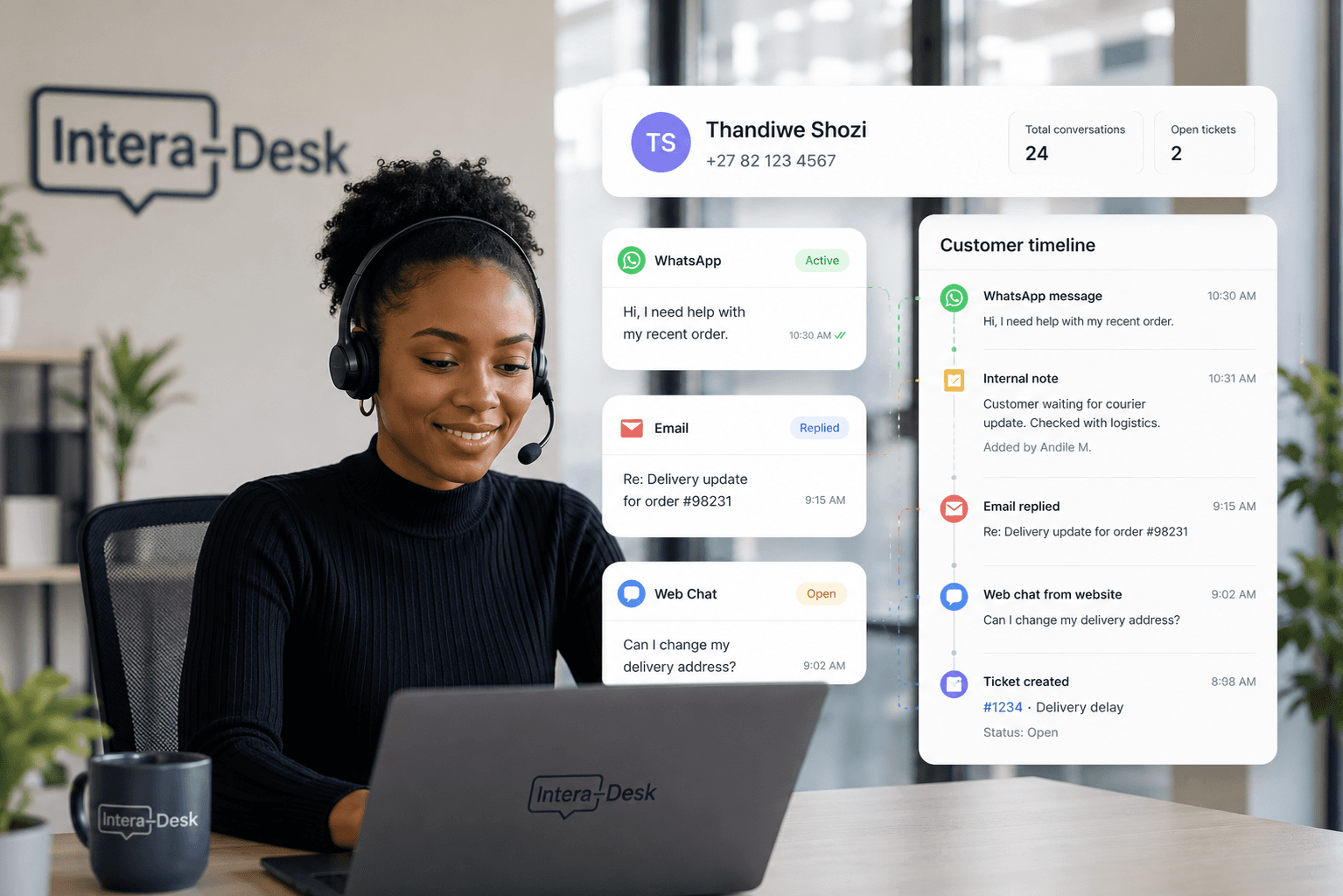
See customer history, tags, and tickets beside every conversation.
Retain customers on SLA
Queues, assignments, and response-time visibility keep teams accountable.
Omnichannel inbox
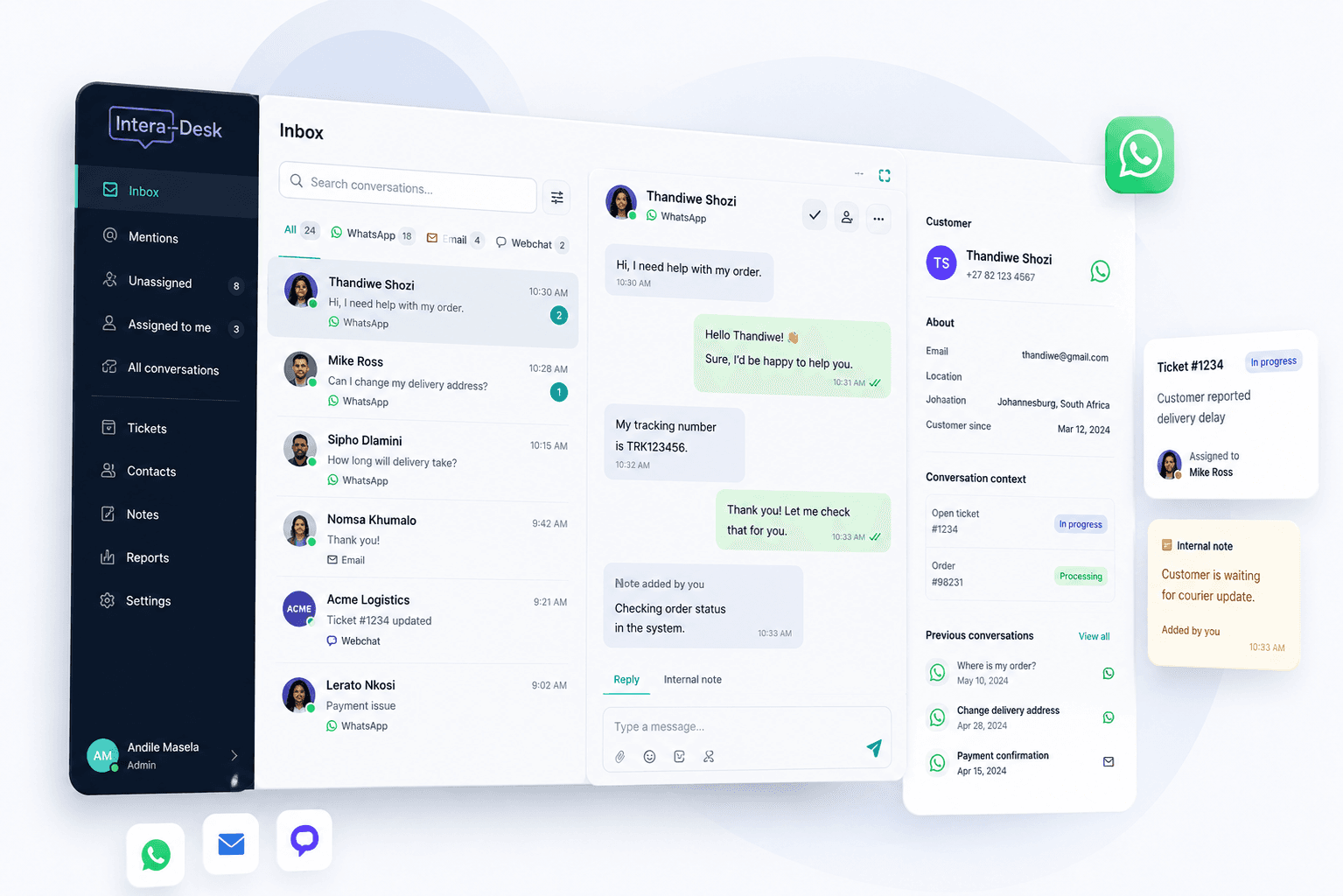
WhatsApp, tickets, and team context in one thread
Stop forwarding screenshots in group chats. Assign conversations, add internal notes, and link tickets — without leaving the inbox.
See product overviewBuilt for agents
Templates, queues, and clarity — without the clutter
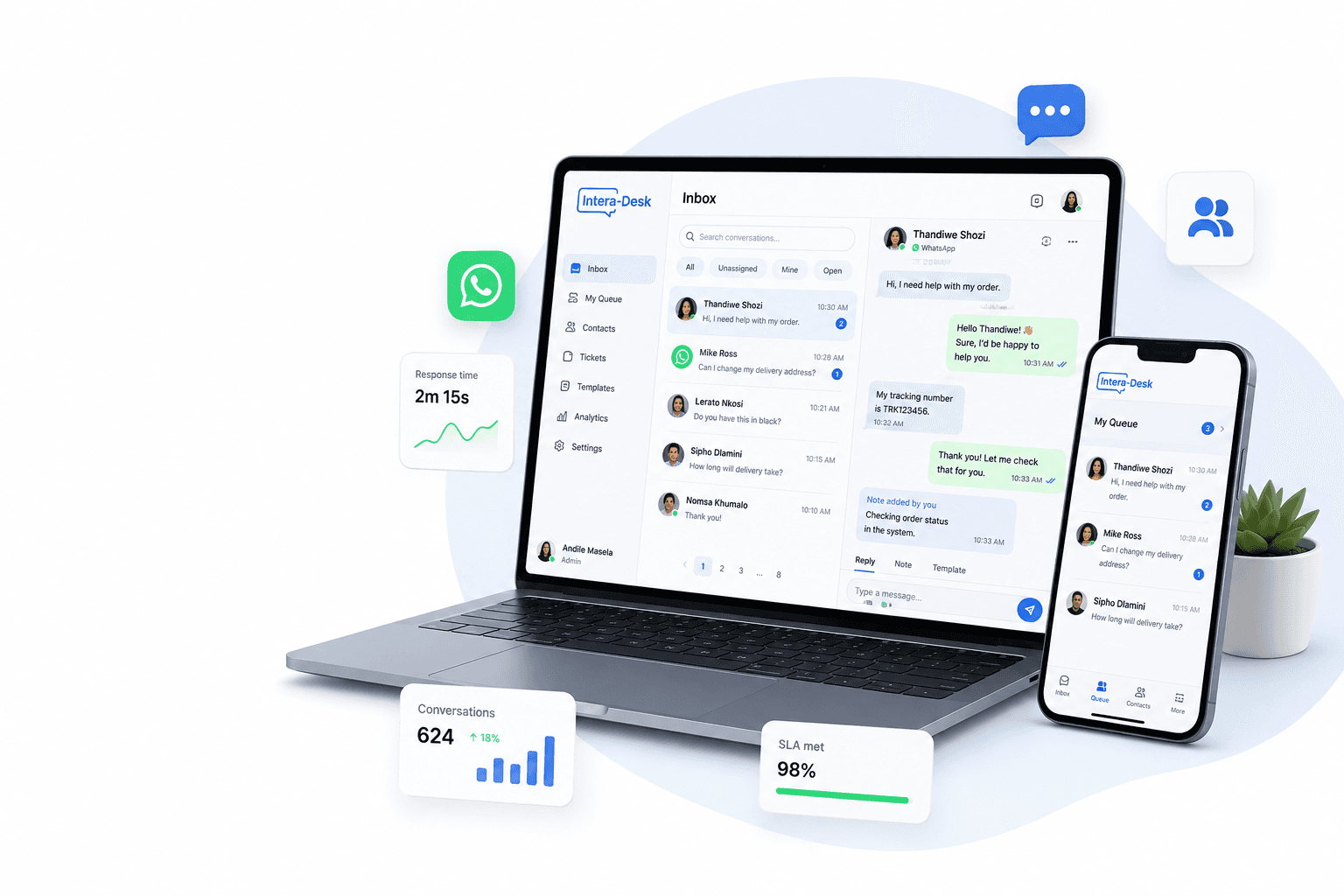
Approved WhatsApp templates, canned replies, and SLA-aware queues help agents move fast while staying on brand.
Book a free consultation →
Image placeholderProduct video thumbnail: agent sending a WhatsApp template from the composer with variable fields filled in.
Ready to run WhatsApp support as a team?
Book a free 15‑minute call — or start a trial when you're ready to explore alone.